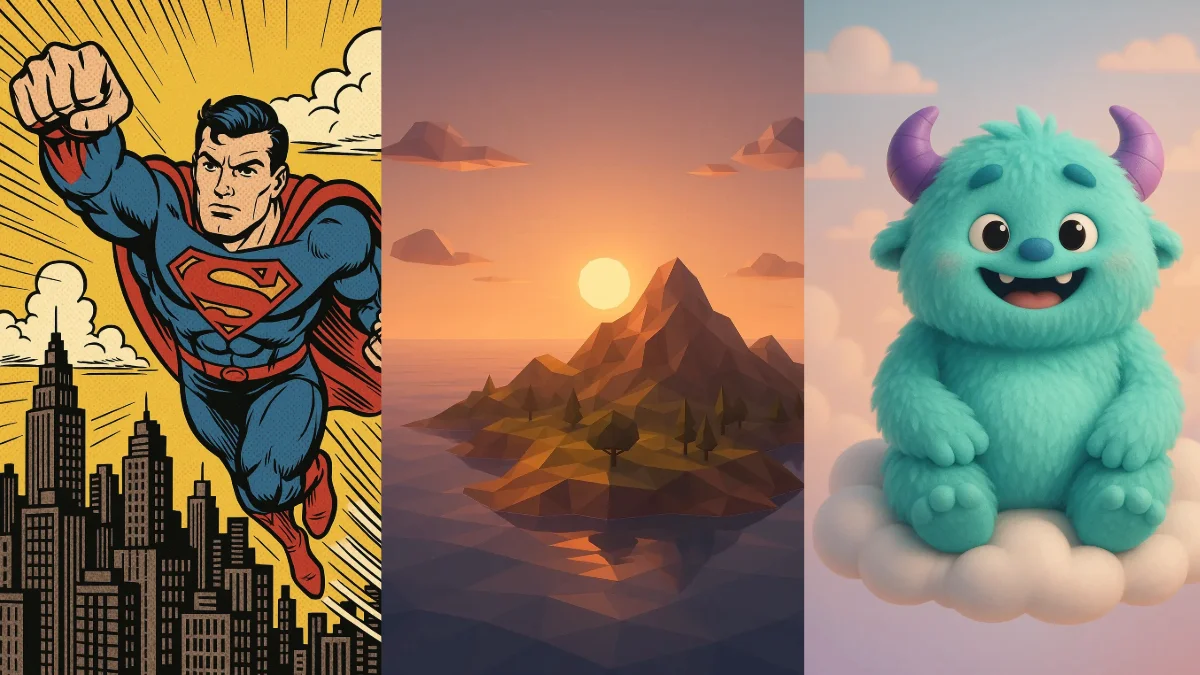
Creating images with ChatGPT has become one of my favorite creative activities. I’ve spent countless hours experimenting with various prompts and styles.
What I found is that being specific about the art style you want makes all the difference. You can generate images by going to chatgpt.com and using the ChatGPT-4o model, or visit Sora for photo generation.
Here are 31 art styles I’ve tested, with example prompts.
Top Prompts List : 31 Art Styles for ChatGPT Image Generation
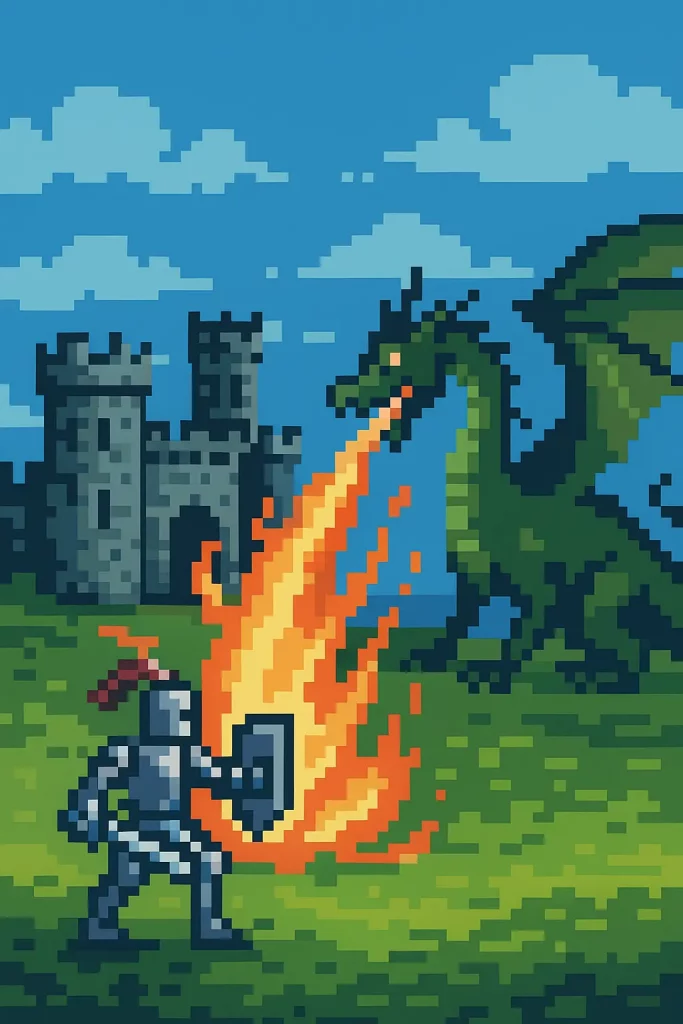
1. Pixel Art
Create a pixel art scene of a knight defending a castle from a fire-breathing dragon.
 How to Create Cute Cartoon Characters Using Google Gemini
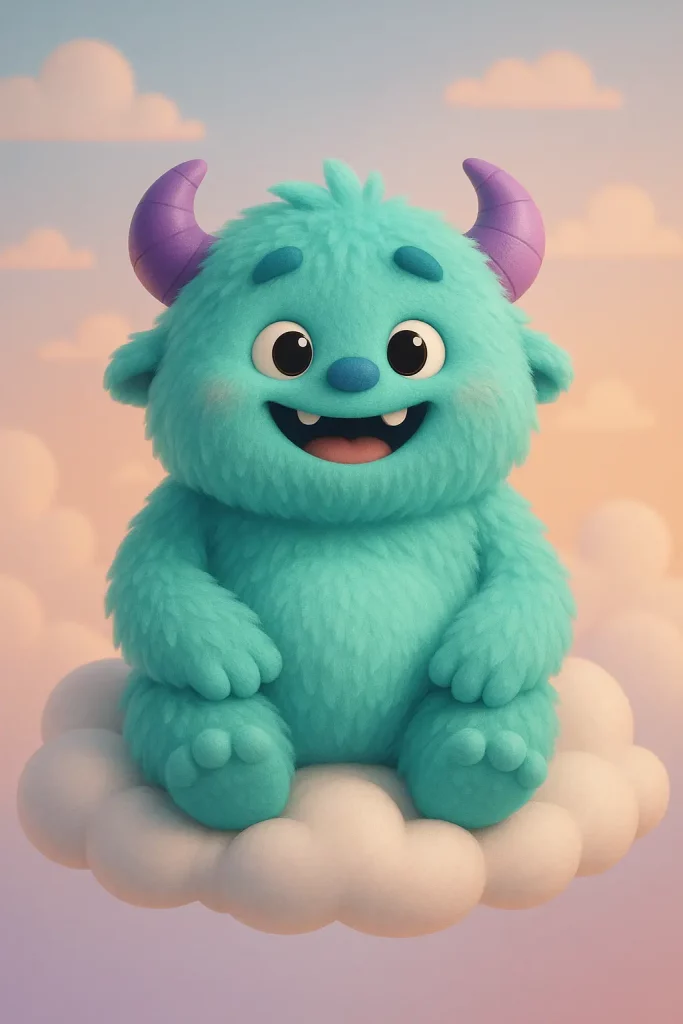
2. 3D Illustration
Create a 3D illustration of a friendly, cartoonish monster character with soft, fluffy fur, sitting on a cloud.
 How to Turn Your Photo Into Watercolor Portrait Using Gemini
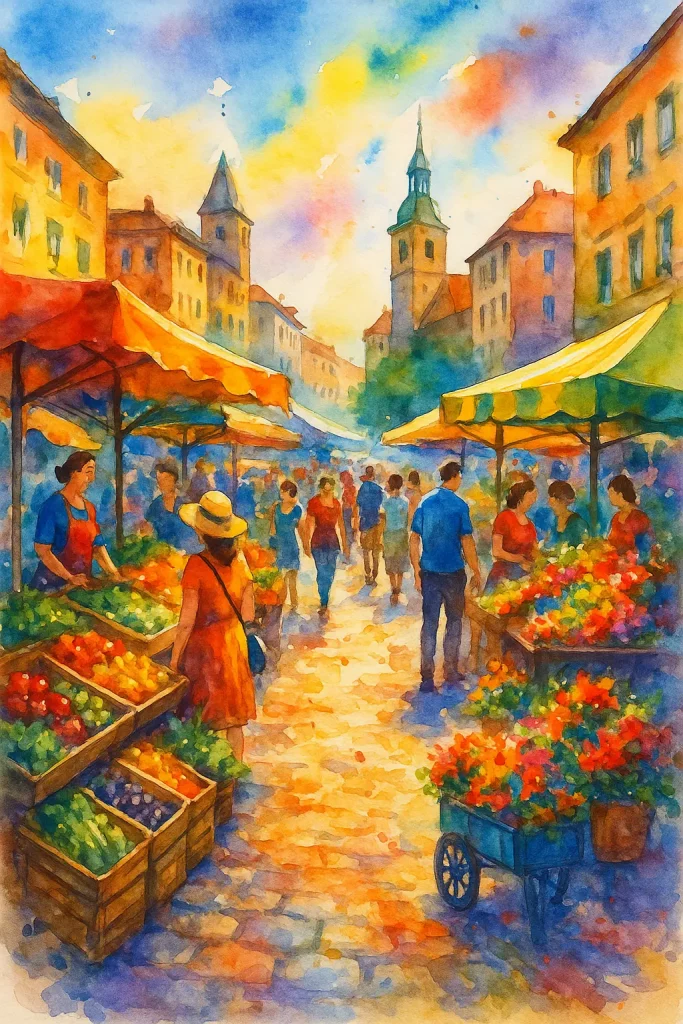
3. Watercolor
Create a vibrant watercolor illustration of a bustling European market scene.
 How to Create a Personalized Comic Strip with Gemini
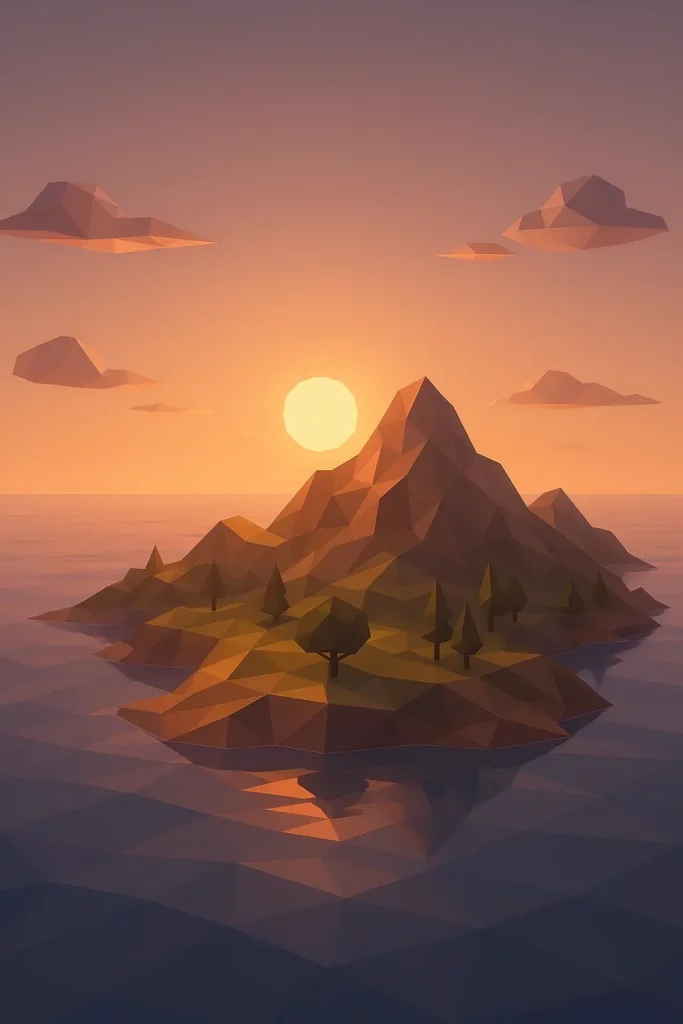
4. Low Poly
Create a low poly landscape of a serene mountain island surrounded by a calm ocean at sunset.
 How to Turn Your Photo into Comic Book Illustration Using Gemini
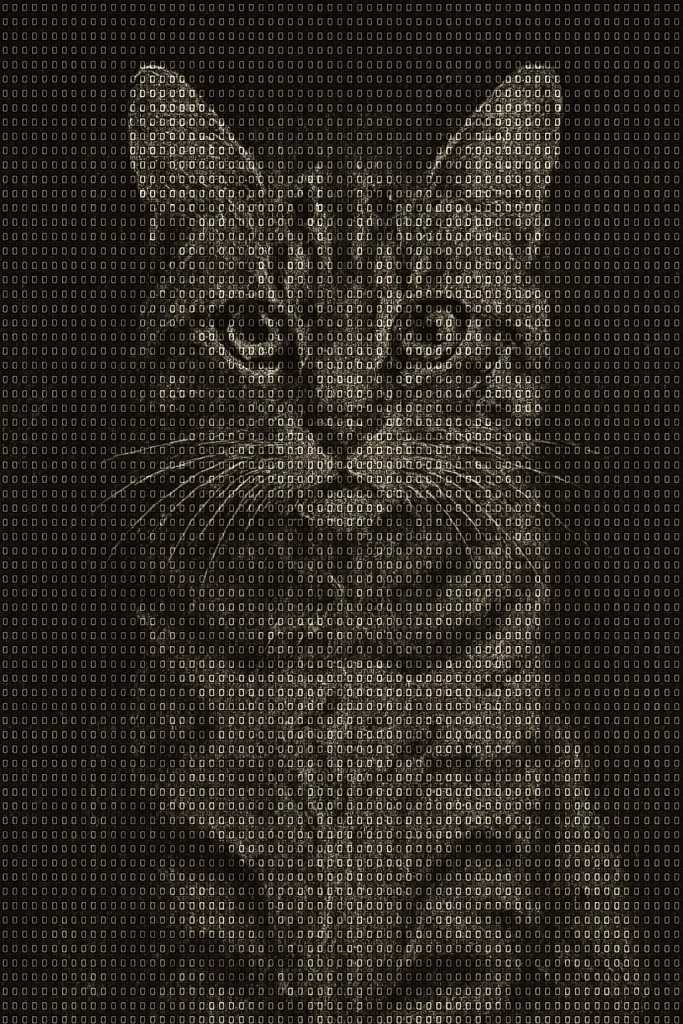
5. ASCII Art
Create a portrait of a cat looking directly at the viewer, made entirely of complex ASCII art.
 How to Turn Your Photo Into a Painting Using Gemini
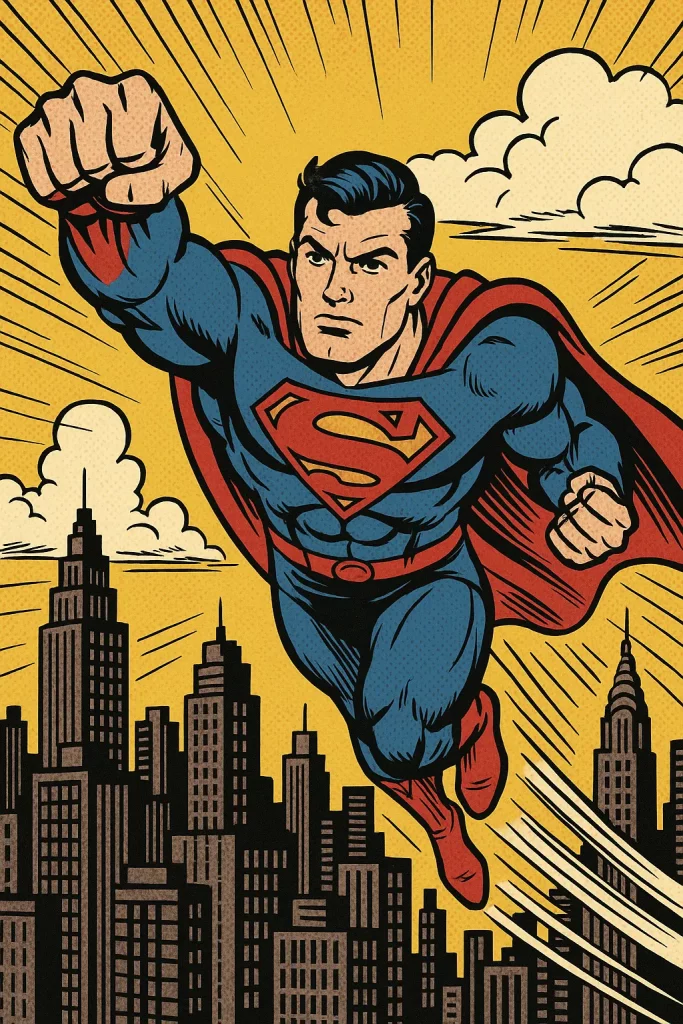
6. Comic Book Style
Create a dynamic action panel of a superhero flying over a city, in a classic comic book style with bold lines and halftone dot shading.
 How to Create Paper Craft Illustrations Using ChatGPT
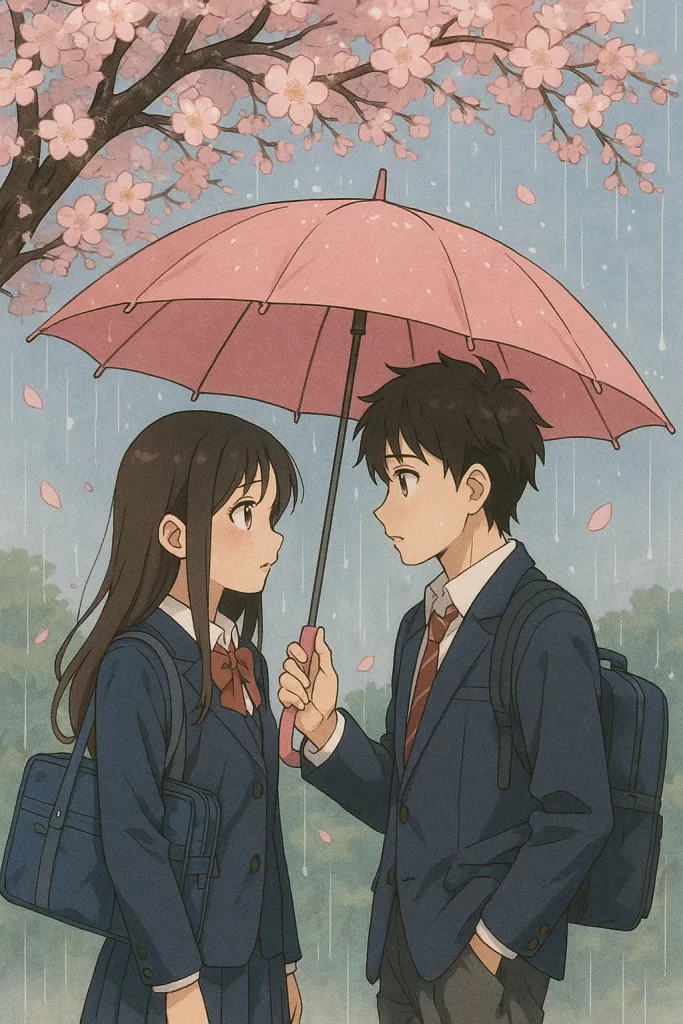
7. Anime Style
Create a beautiful anime style scene of two high school students sharing an umbrella under a cherry blossom tree in the rain.
 How to Create Cool Retro Quote Posters Using ChatGPT
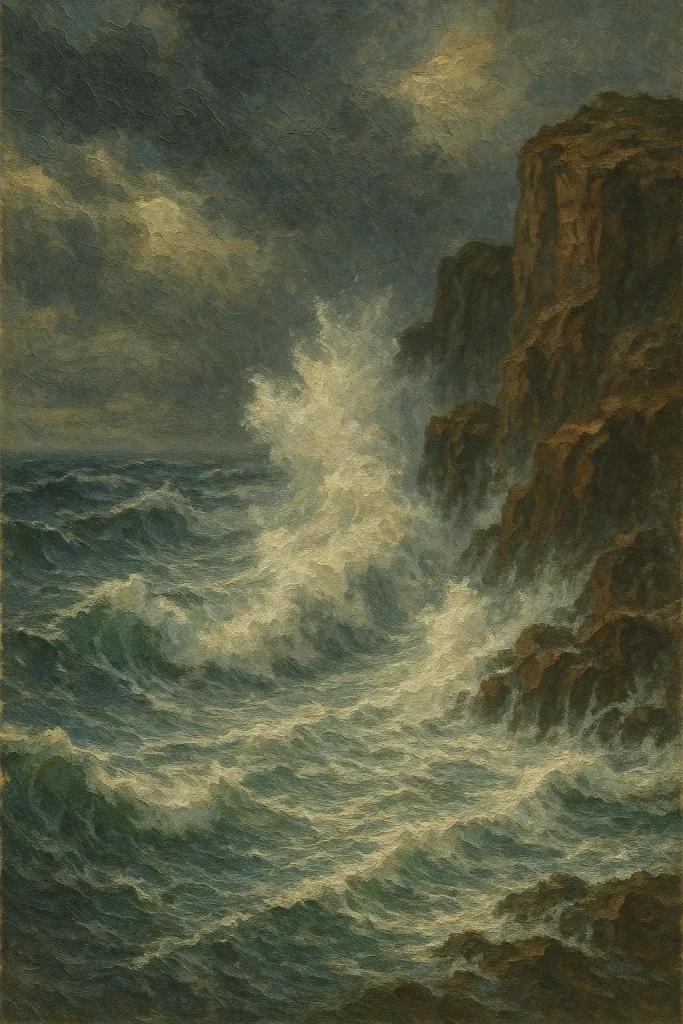
8. Oil Painting
Create a dramatic seascape with crashing waves against a rocky cliff during a storm, as a textured oil painting.
 How to Turn Your Photo into Line Art Using Gemini
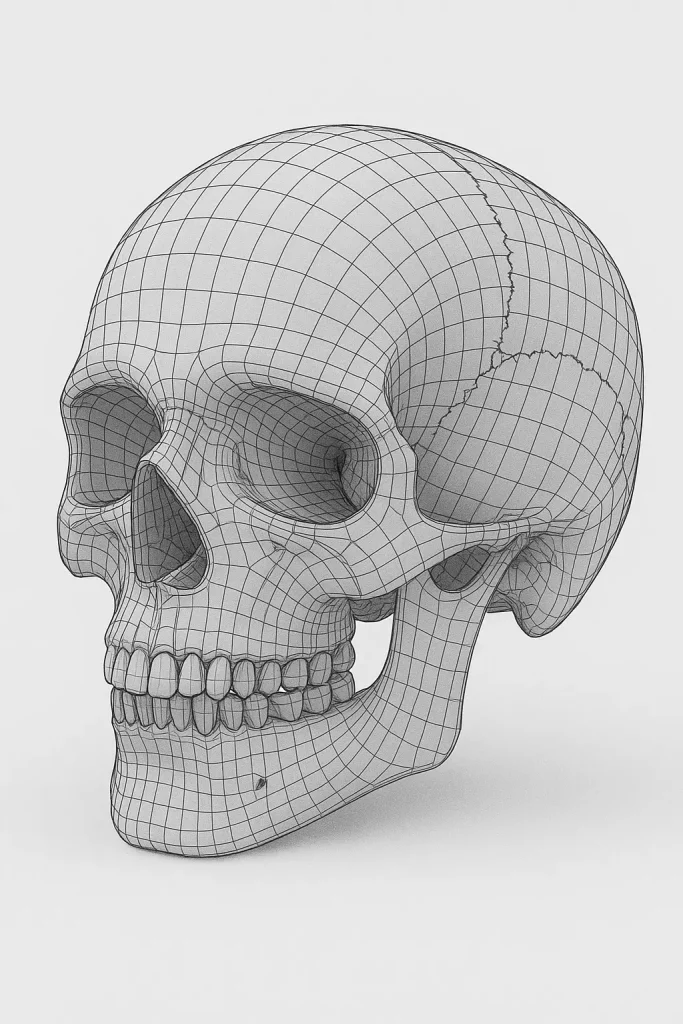
9. Wireframe
Create a detailed wireframe rendering of the human skull, viewed from a three-quarter angle.
 How to Create Cute Monsters Using Gemini
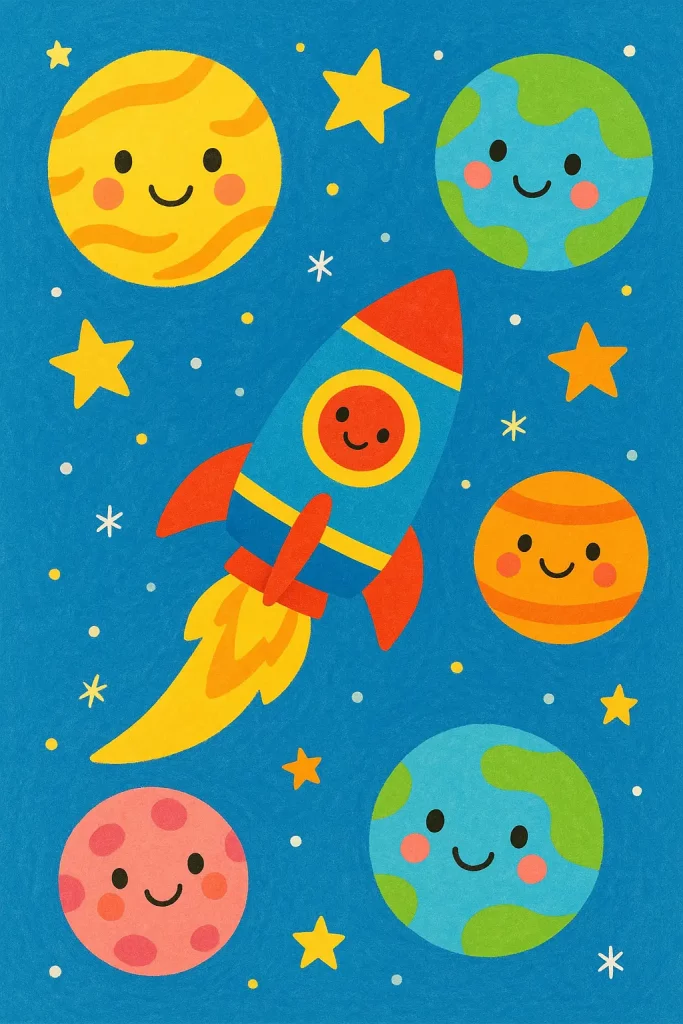
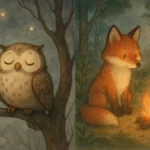
10. Children’s Book Illustration
Create a colorful and simple children’s book illustration of a rocket ship flying past smiling planets and stars.
 How to Create Story Book Illustrations Using ChatGPT
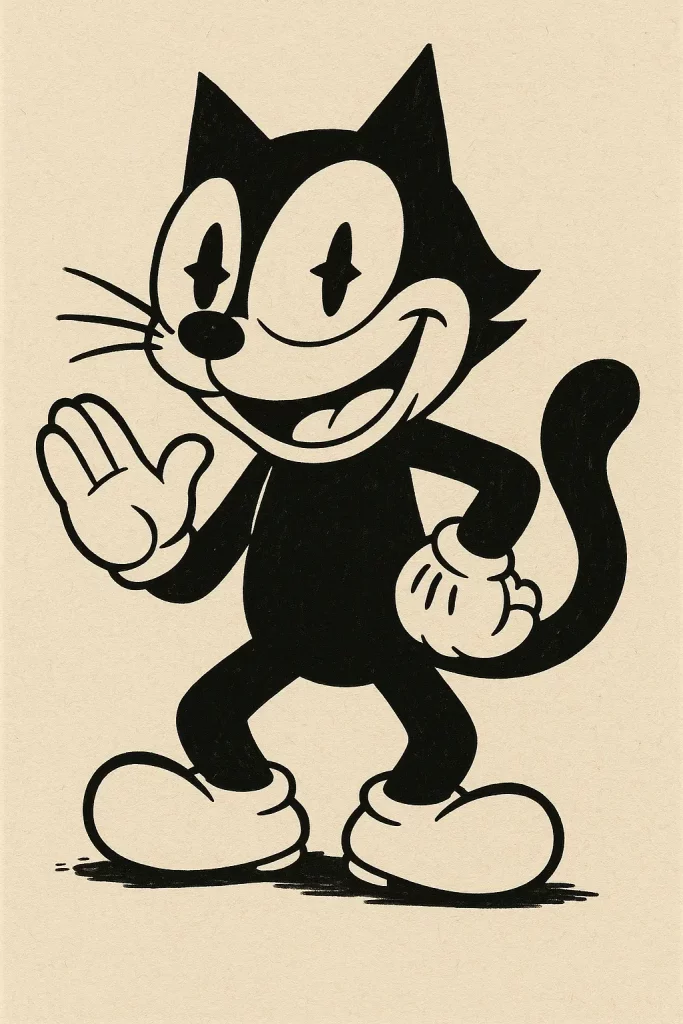
11. Vintage Cartoon Style
Create a mischievous black and white cat with “pie eyes” and white gloves, in a 1930s vintage cartoon style.
 How to Turn Your Photo into 3D Character Using Gemini Nano Banana Pro
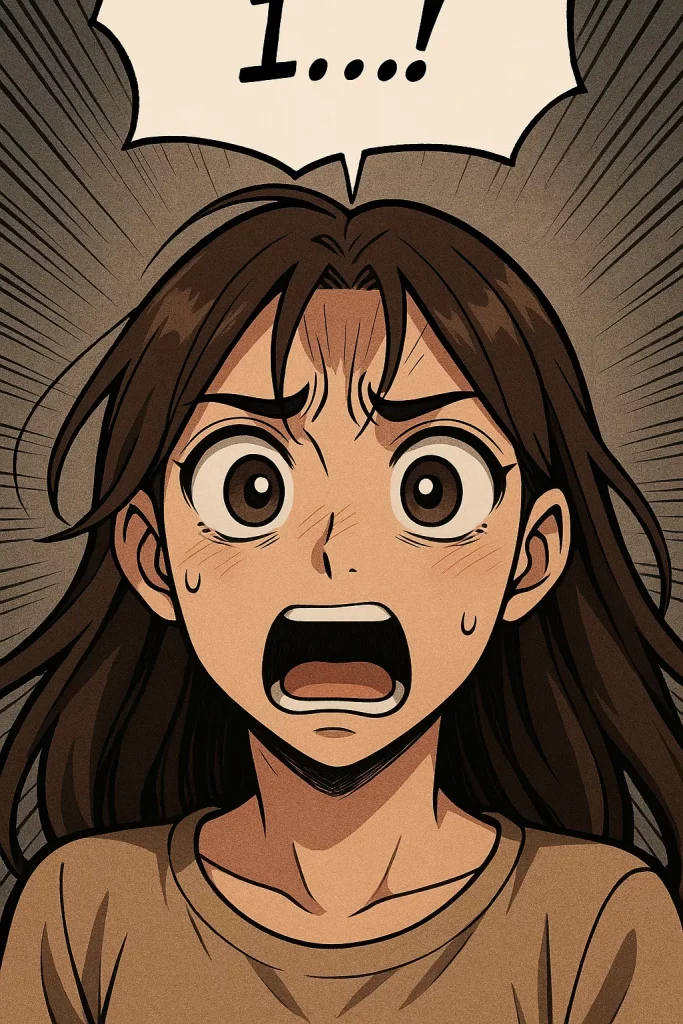
12. Webtoon Style
Create a vertical panel strip of a character dramatically realizing a shocking truth, with large expressive eyes, in a popular webtoon style.
 How to Quickly Turn Your Photo into Cartoon Using ChatGPT
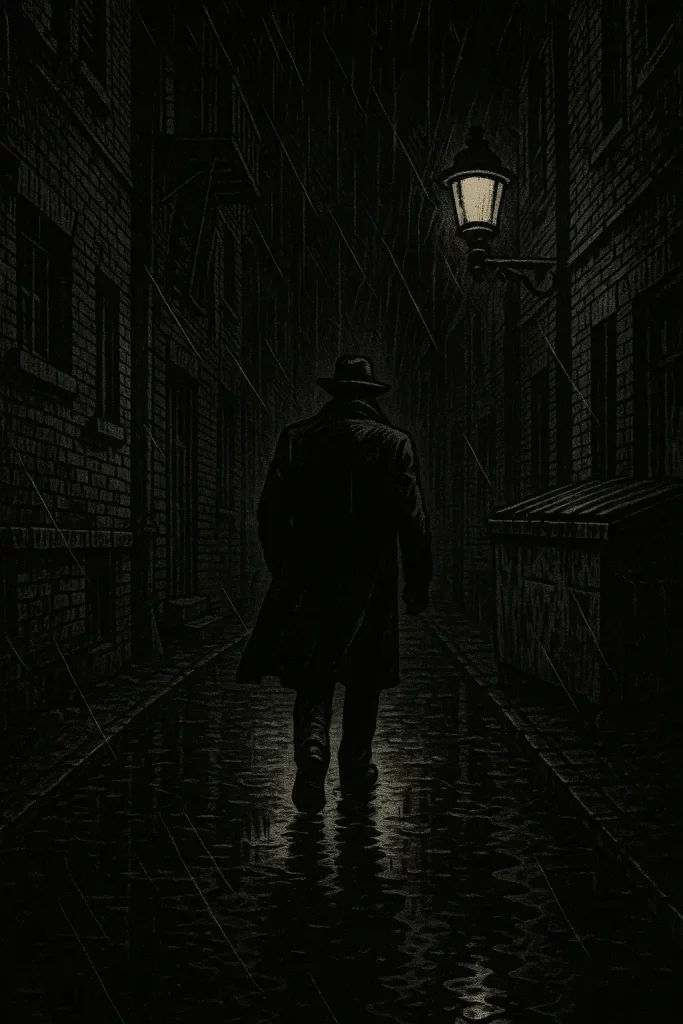
13. Graphic Novel Style
Create a dark, moody panel of a character walking down a rain-slicked alley at night, in a detailed graphic novel style.
 How to Create Quirky Cartoon Characters Using Gemini
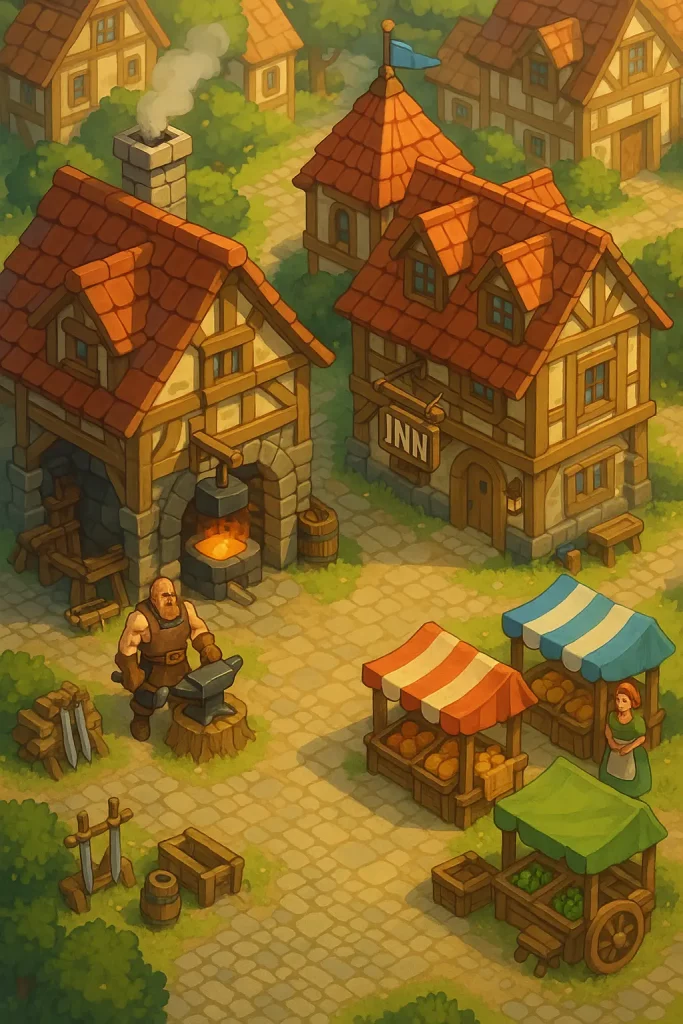
14. Isometric Game Art
Create a piece of isometric game art showing a section of a bustling fantasy village with a blacksmith, an inn, and market stalls.
 30 ChatGPT Prompts for Beautiful Anime Landscapes
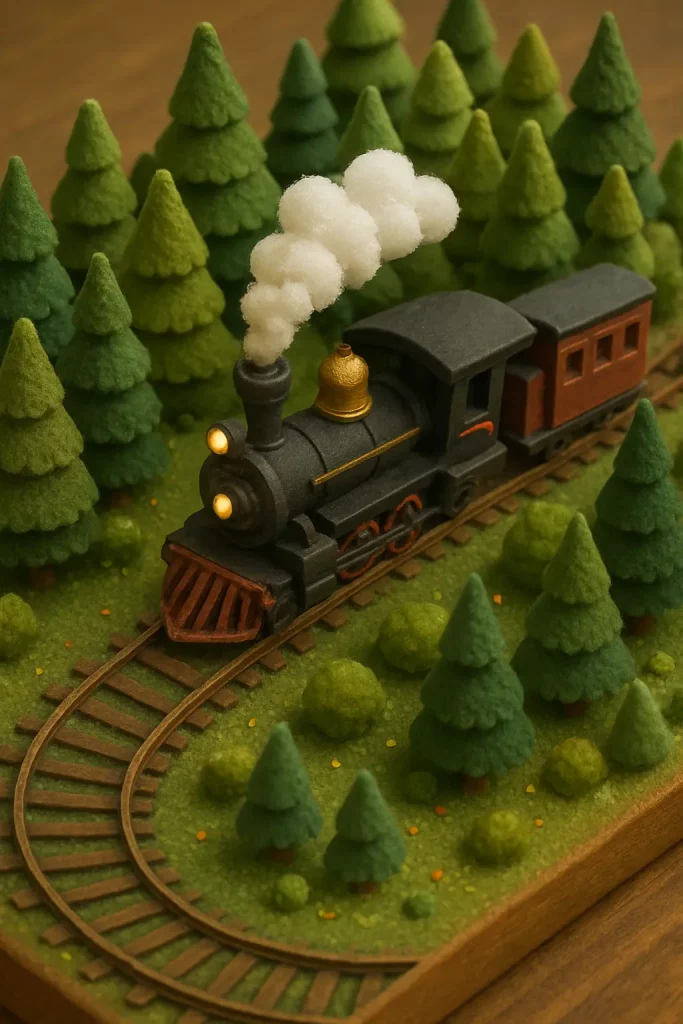
15. Miniature Style
Create a detailed miniature style image of a railroad train traveling through a tiny, handcrafted forest.
 How to Create Cute 3D Stores Using ChatGPT
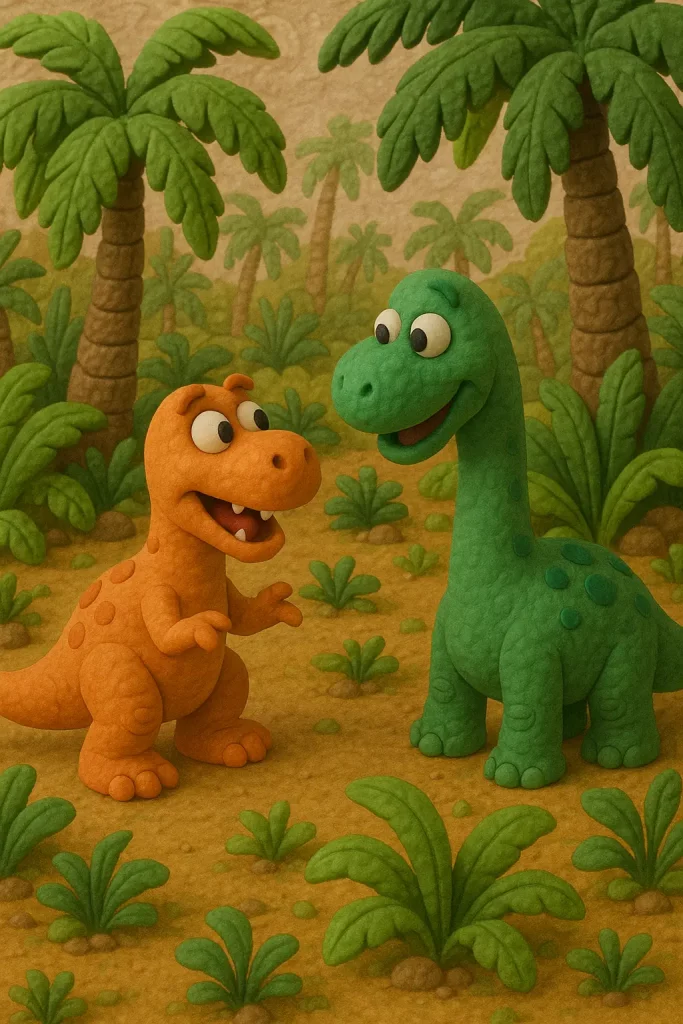
16. Claymation Style
Create a scene of two clay dinosaurs having a conversation in a prehistoric jungle, in a charming claymation style.
 How to Turn Your Photo Into a Stylish Digital Portrait Using Gemini
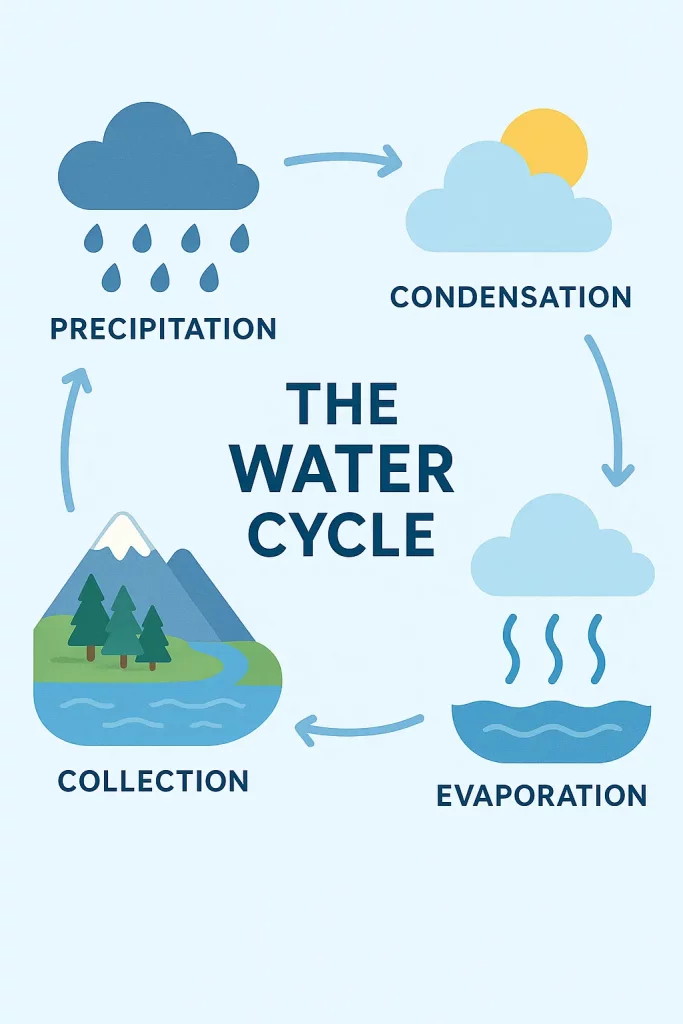
17. Infographic Style
Create a clean and modern illustration explaining the water cycle, using icons and arrows in an infographic style.
 How to Turn Your Photo into a Caricature Using Gemini
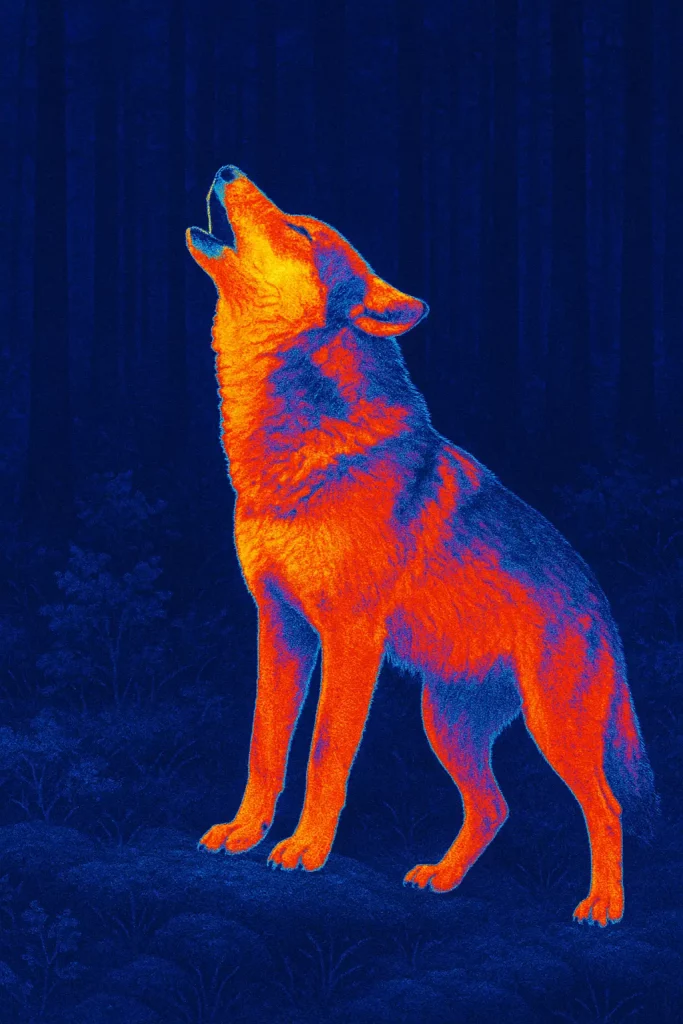
18. Thermal Imaging
Create an image of a wolf howling in a dark forest, as seen through thermal imaging, with hot and cold spots clearly visible.
 How to Turn Your Photo into Beautiful Sketch Using Gemini Nano Banana
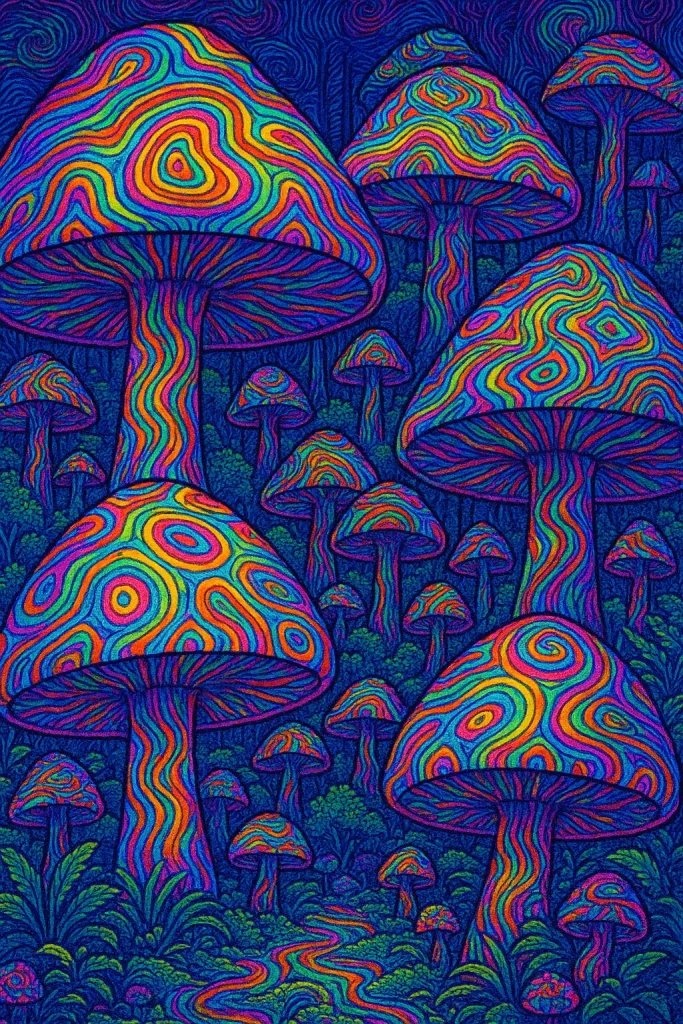
19. Psychedelic Art
Create a forest of giant, magical mushrooms with hypnotic, rainbow-colored patterns, in a highly detailed psychedelic art style.
 How to Create Cute Children Illustrations Using ChatGPT
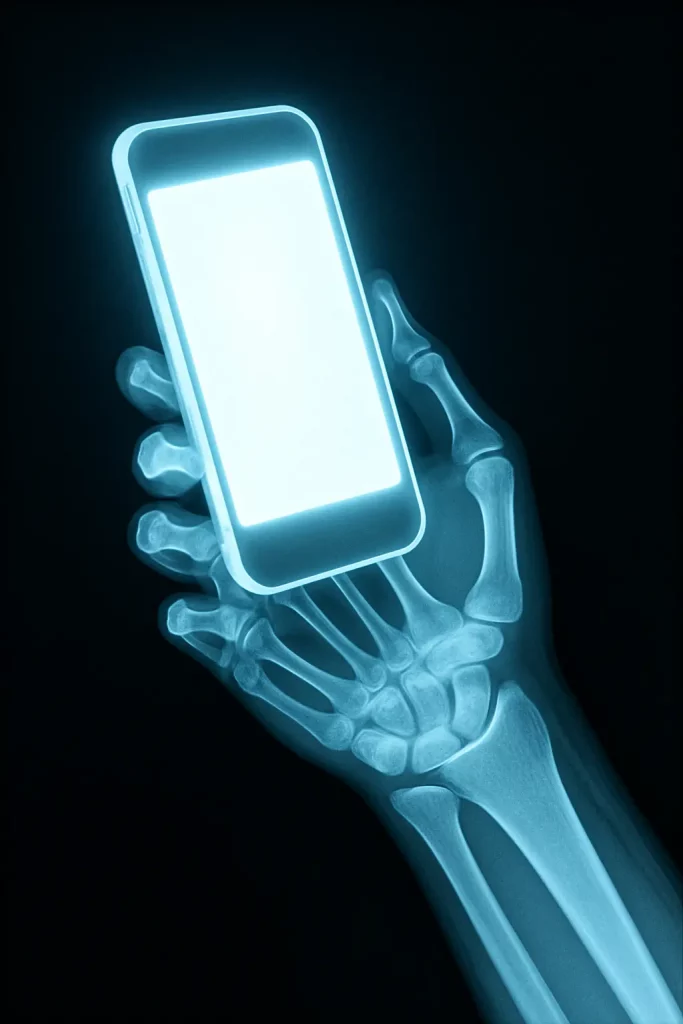
20. X-Ray Style
Create an x-ray style image of a human hand holding a glowing smartphone.
 How to Create Beautiful 3D Cartoons Using Gemini Nano Banana
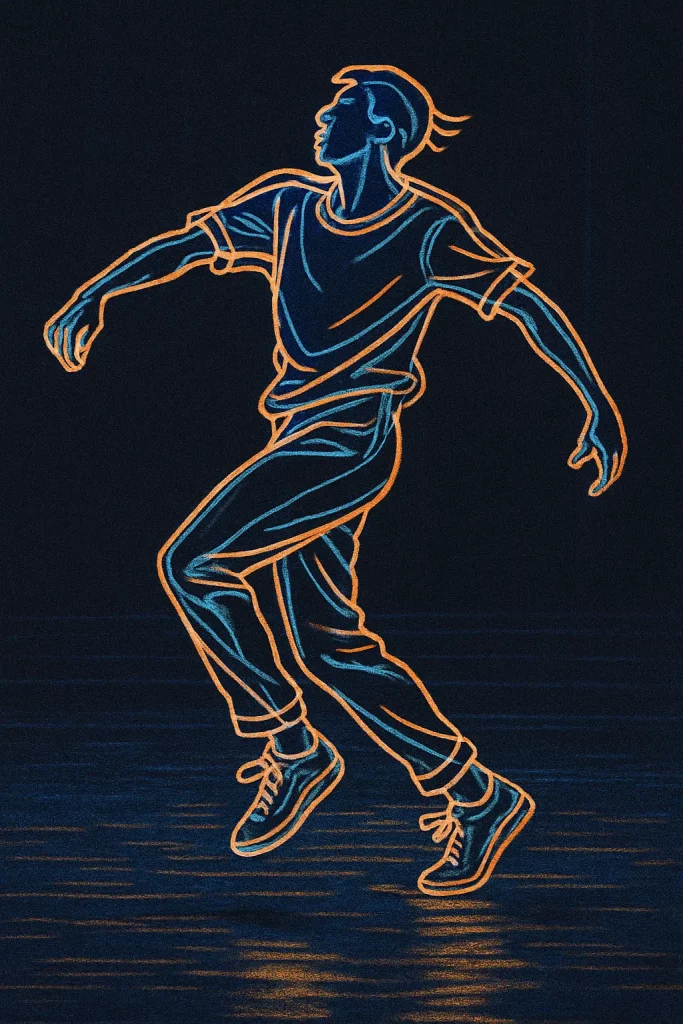
21. Rotoscope Animation
Create a still from a dance sequence, showing a person in mid-motion with fluid, outlined movements, in a rotoscope animation style.
 26 Logo Styles You Can Create with ChatGPT
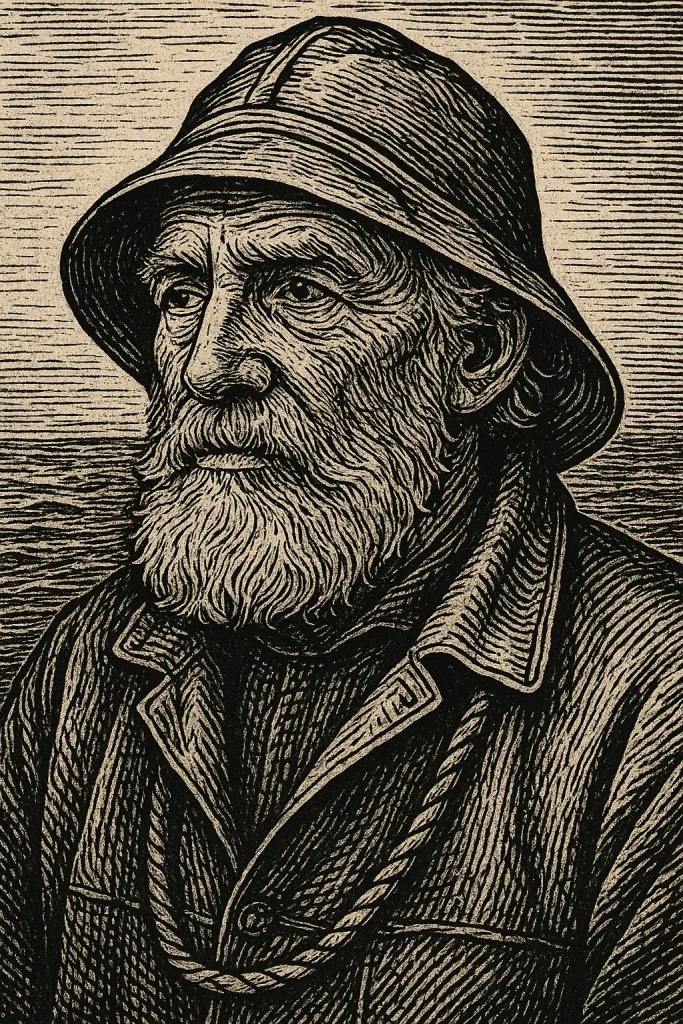
22. Ink Print Style
Create a detailed portrait of an old fisherman with a weathered face, using the cross-hatching and bold lines of an ink print style.
 How to Create Cute Halloween Characters Using Meta AI
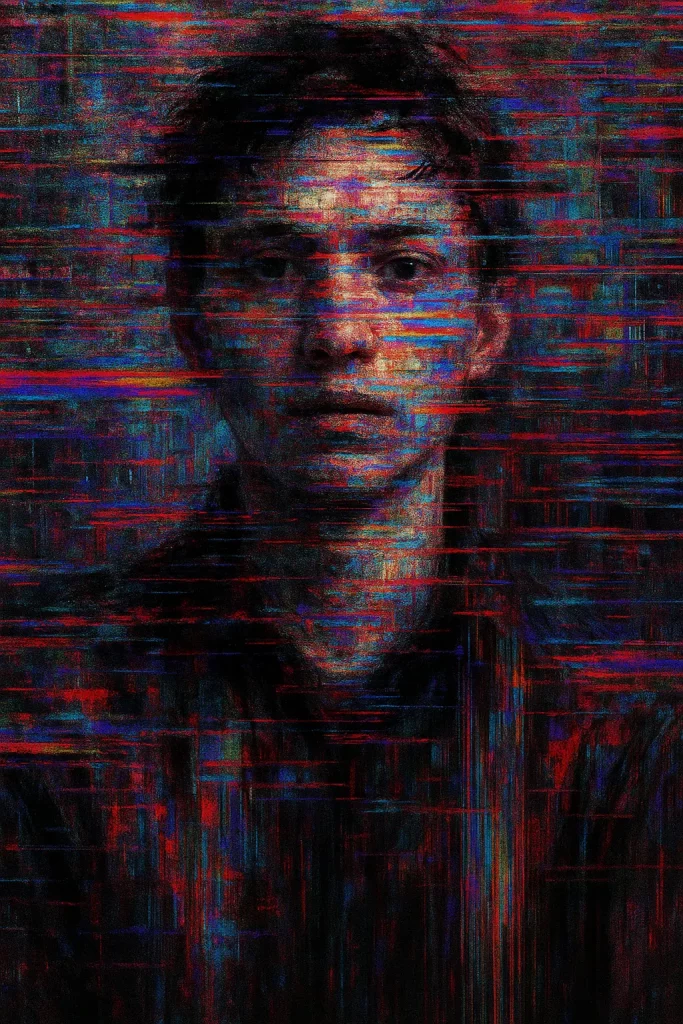
23. Glitch Art
Create a portrait of a person where the image is fractured with digital static, color banding, and pixel sorting, in a chaotic glitch art style.
 How to Create Cute Monsters Using ChatGPT
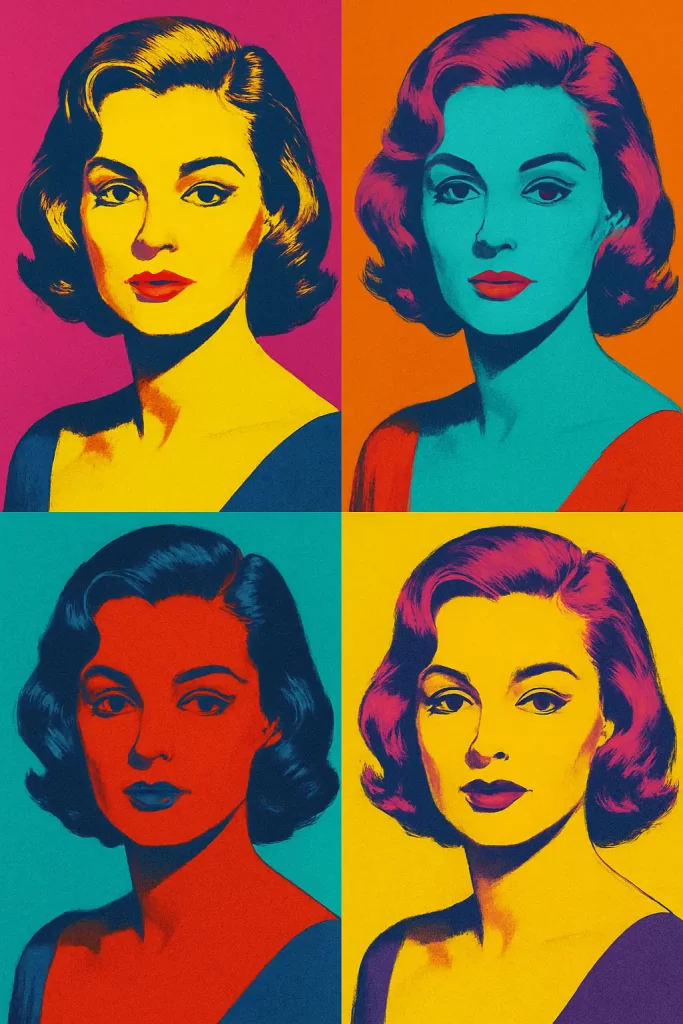
24. Pop Art
Create a portrait of an actress, repeated four times in a grid with different vibrant, bold colors, in the style of pop art.
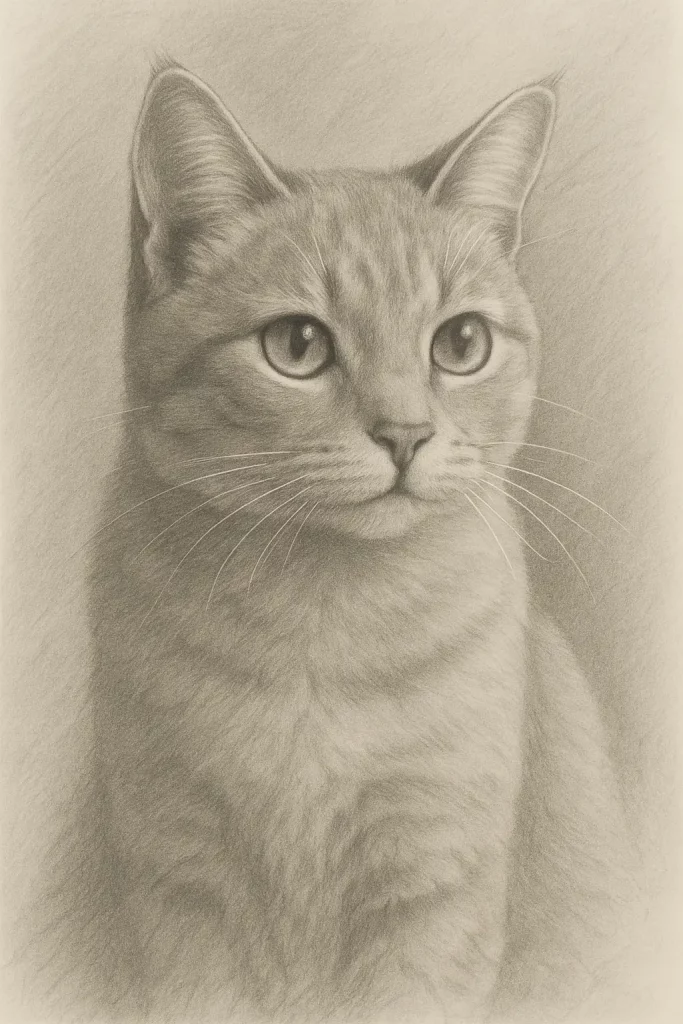
25. Pencil Drawing
Create a soft, shaded pencil drawing of a cat.
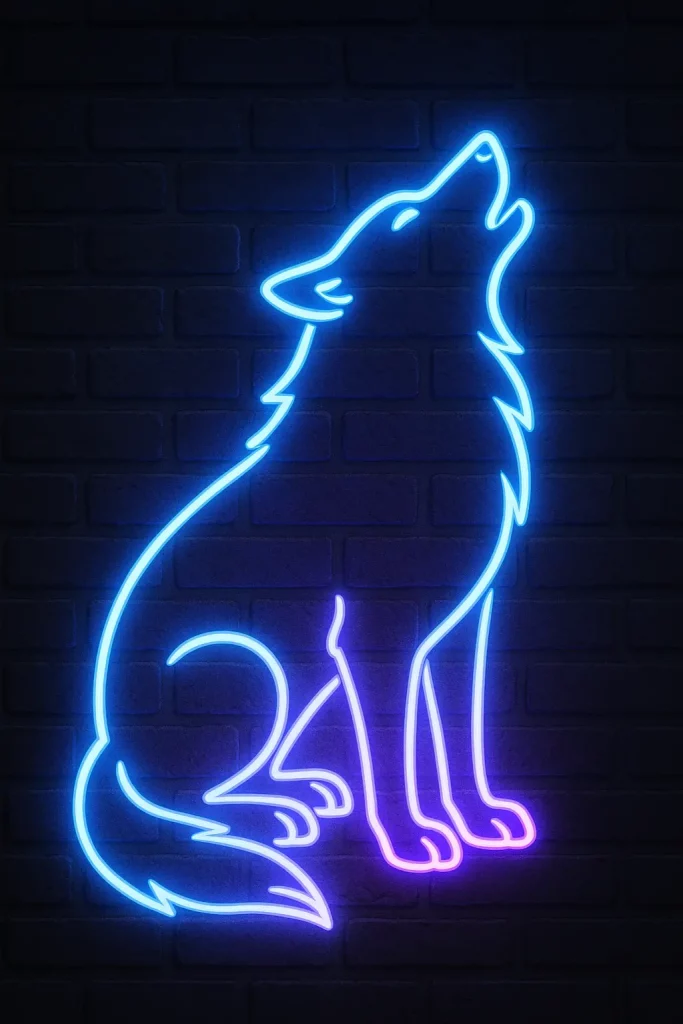
26. Neon Art
Create a glowing sign of a wolf howling, made of bright blue and purple tubes, in a neon art style against a dark brick wall.
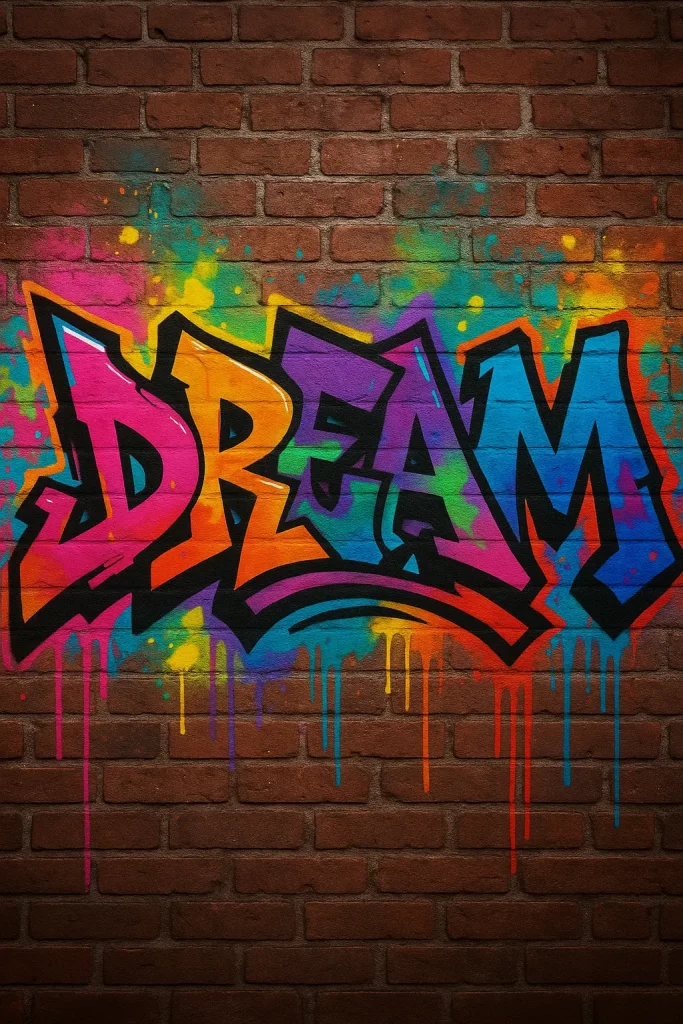
27. Graffiti
Create the word “DREAM” in a wildstyle graffiti font, spray-painted on a brick wall with drips and vibrant colors.
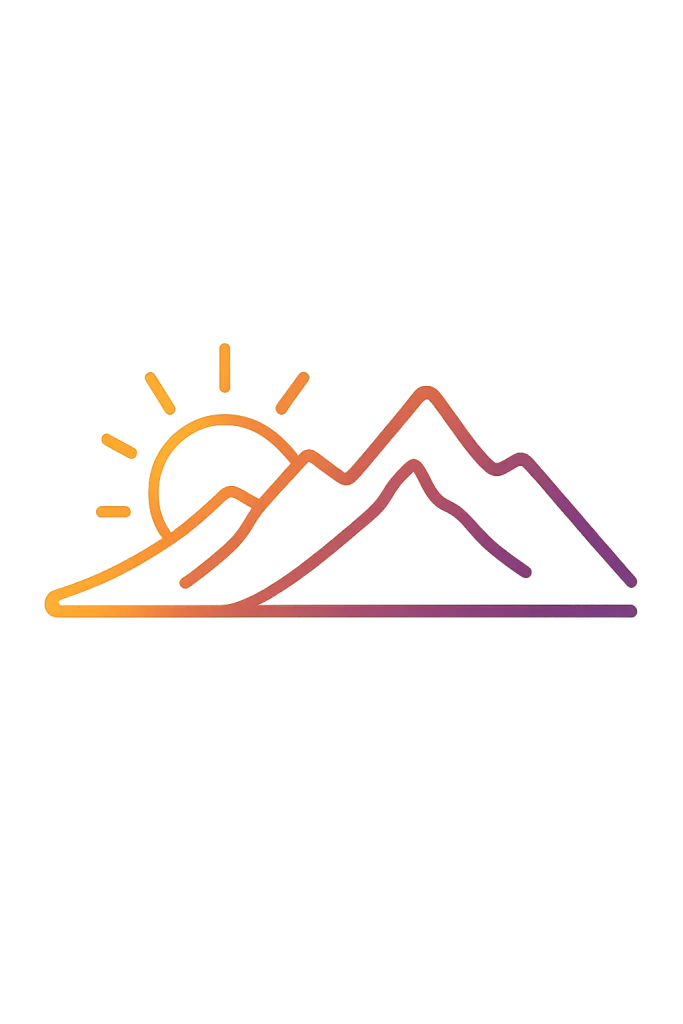
28. Gradient Line Art
Create a minimalist logo of a mountain range at sunrise, using a single continuous line that shifts from orange to purple, in a gradient line art style.
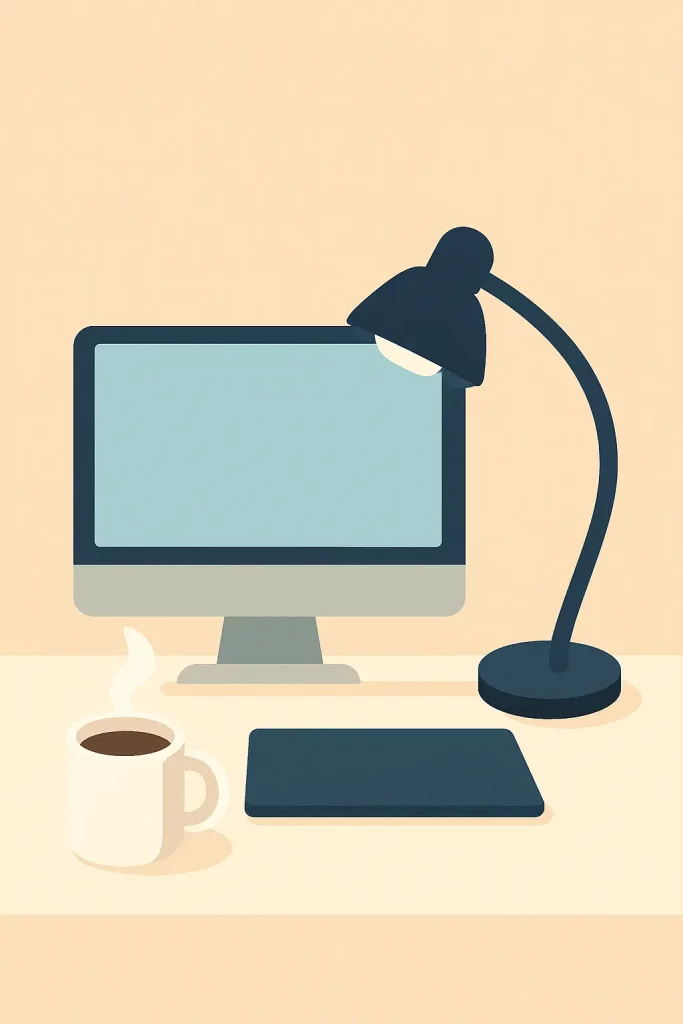
29. Flat Design Art
Create a workspace scene with a computer, lamp, and coffee cup, using simple shapes and a limited color palette in a flat design art style.
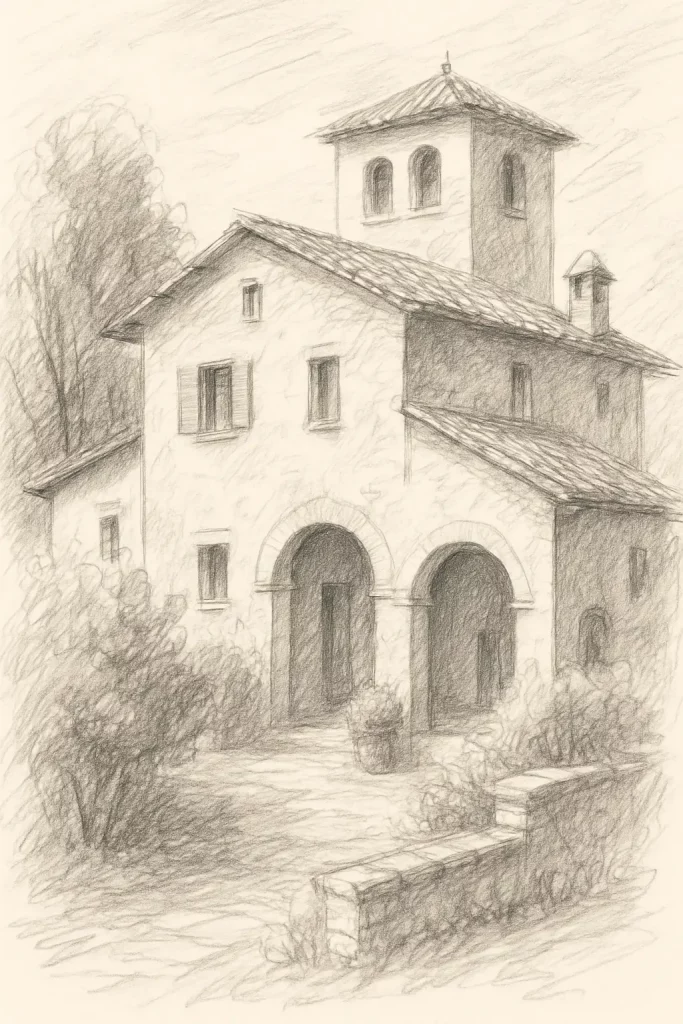
30. Sketch Style
Create an architectural sketch style drawing of an old Italian villa, with loose lines and quick shading.
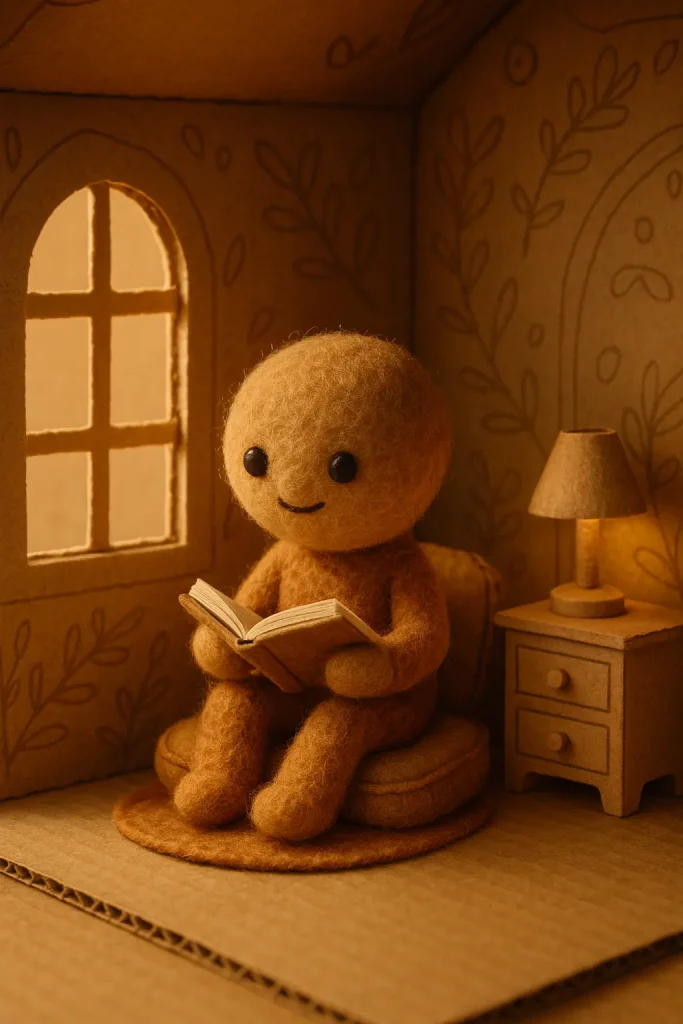
31. Stop-Motion Illustration Style
Create a cozy scene of a small character made of felt reading a book inside a house made of cardboard, in a stop-motion illustration style.
Conclusion
Each of these styles offers unique creative possibilities. I recommend starting with a few that catch your eye and experimenting with different subjects and compositions.
The more details you provide about the style, mood, and content, the better results you’ll get.